

USB (Universal Serial Bus) is an interface standard for connecting computer devices. In practical applications, the concepts of USB hub and USB port are usually involved.
USB port:
1. Basic Definition: A USB port is a physical interface on a computer's motherboard or external USB hub that allows users to connect a variety of devices, such as mice, printers, hard drives, etc., via a USB cable.
2. Function: It provides a physical connection point through which power can be supplied to the connected device and data can be transferred.USB ports typically support a variety of data transfer speeds, including low speed (1.5Mbps), full speed (12Mbps), and high speed (480Mbps).
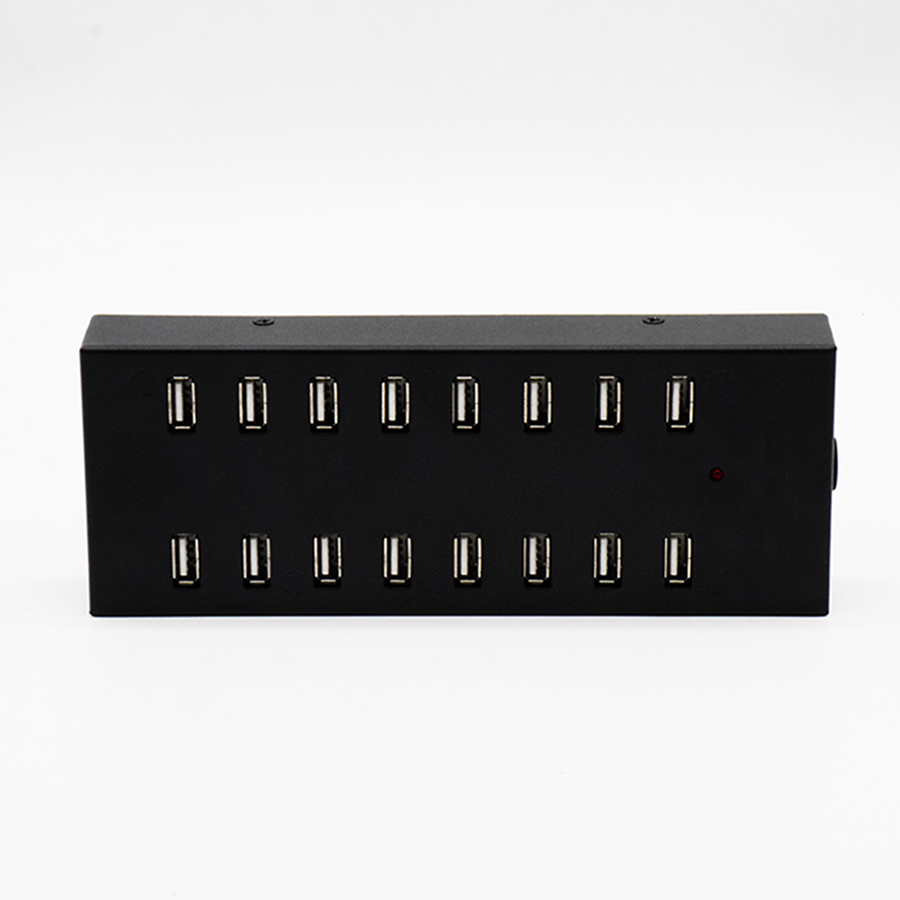
USB hub:
1. Basic Definition: A USB hub is an expansion device with one or more USB ports that is used to extend the functionality of one USB port to multiple devices. It allows users to connect multiple devices through a single host USB port.
2. features:
- Increase the number of connection points: USB hubs can increase the number of USB ports, enabling users to connect multiple USB devices at the same time, such as multiple external hard drives, scanners, etc.
- Data Transfer: The hub itself does not handle data transfer, it simply forwards packets from the host to each connected device or from each device to the host.
- Power Distribution: Some USB hubs also have the ability to provide additional power to connected devices, which can be useful for devices that require more power (such as some high-powered external hard drives).
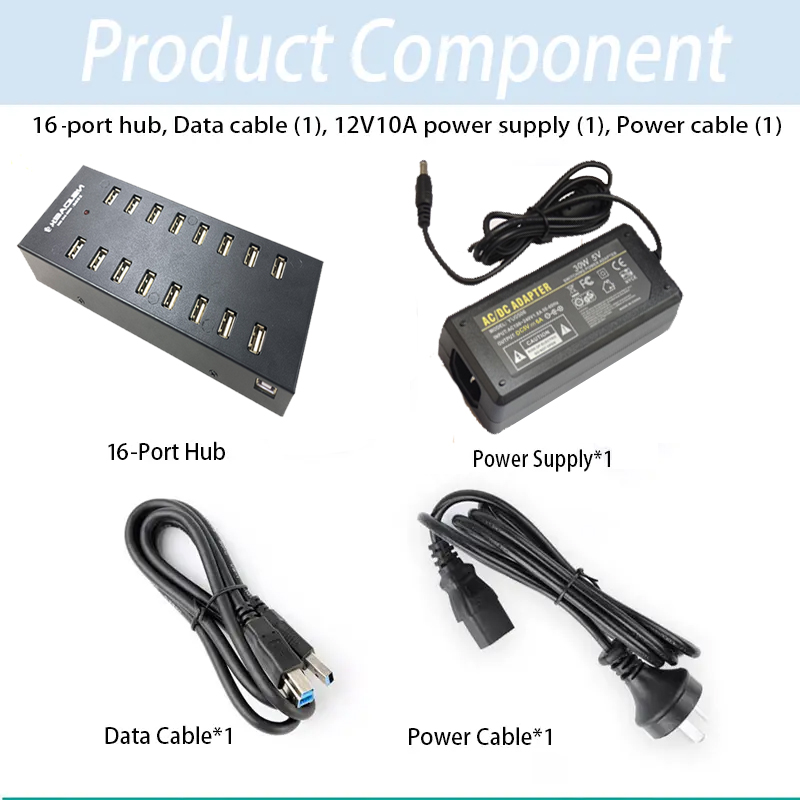
While a USB port is the physical connection point between a computer and an external device, a USB hub is a device used to increase the number of USB ports, allowing multiple devices to be connected through a single master port. Together, the two form the infrastructure for USB connectivity and expansion.