

To determine if your USB port or device supports fast charging, you can refer to the following steps and checkpoints:
1. Check the device specification: First check the user manual or official website of the device you want to connect (e.g. cell phone, tablet, etc.) to find out if the device supports fast charging technology and to confirm the charging power it requires (usually measured in Watts W).
2. Check the USB port type: Different USB port types (e.g. USB 2.0, USB 3.0, USB-C, etc.) may provide different levels of power output. USB-C ports in particular, as they are designed for higher power charging needs.
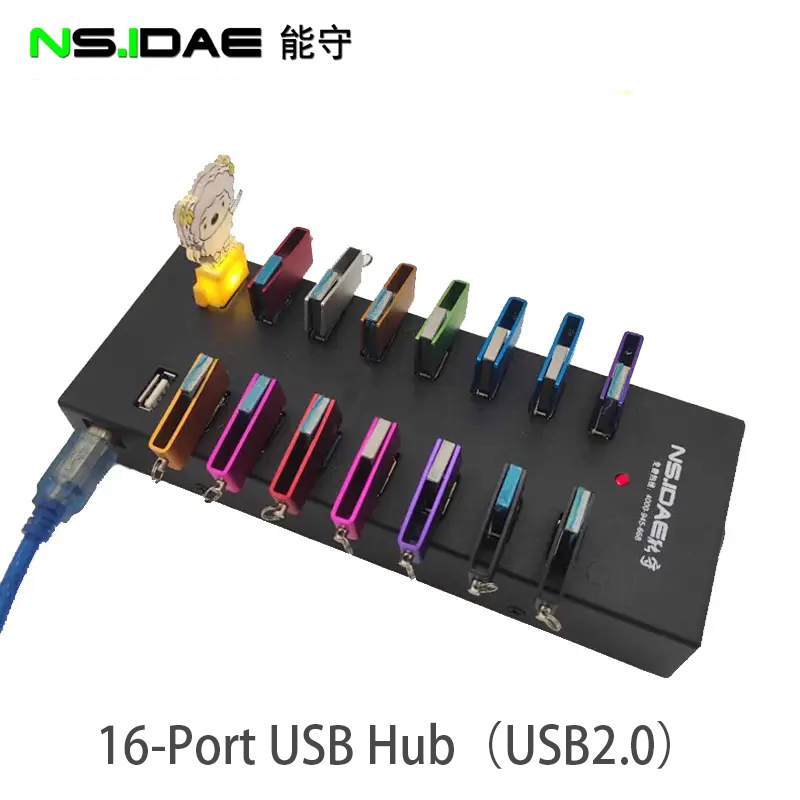
3. Use the right charger: Make sure the charger and cable you use support the required charging power. Some fast charging standards, such as Qualcomm's Quick Charge, USB Power Delivery (PD), etc., require specific chargers for efficient charging. Even with the correct USB-C to USB-C cable, fast charging may not be achieved if the charger does not support the appropriate Quick Charge protocol.
4. Check the indications on your device: Some devices display specific icons or notifications when connected to a fast charger, which can help you determine if you are using fast charging mode.
5. Test and verify: Connect your device to a charger known to support the fast charging feature and observe if there is a significant increase in charging speed. Compare the change in charging rate when using a regular USB port or charger.
6. Software Updates: Ensure that both your device and the associated charging device (if applicable) are running the latest version of firmware or drivers, as these updates sometimes add support for new charging standards.
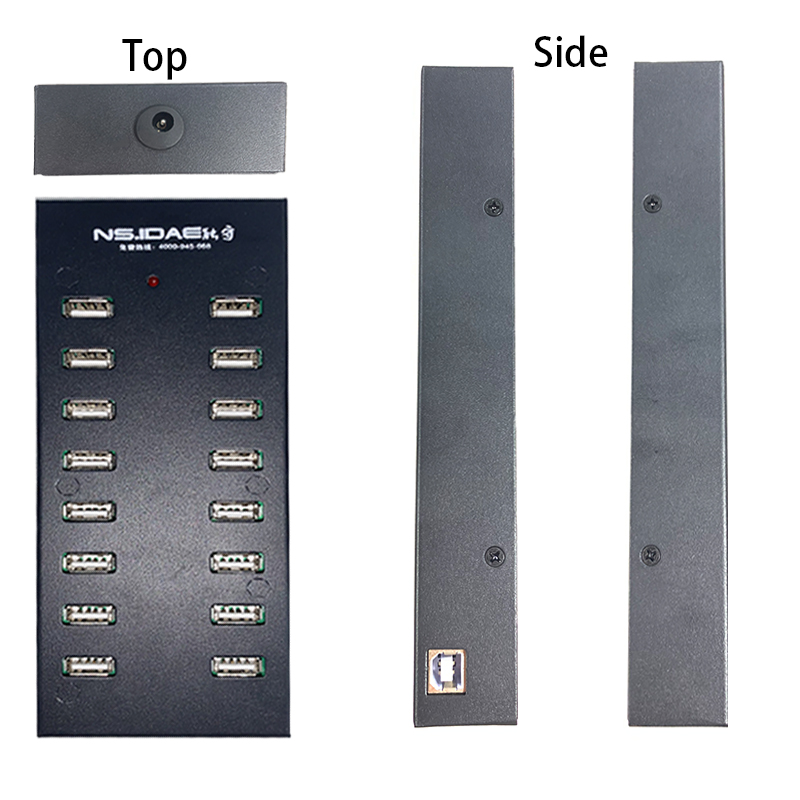
This will give you a better idea of whether your USB port or device is capable of fast charging.