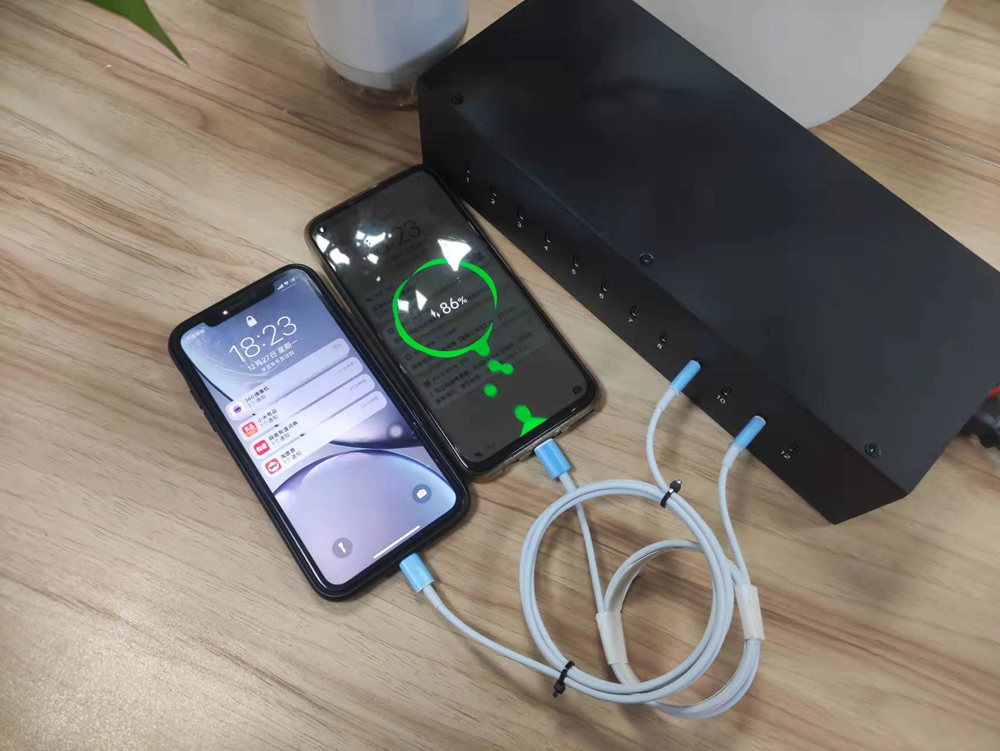
Power Adapter Wall Quick Charge / Pd/Qc Charger / Type-c HUB 3.0
Generally speaking, between 0-70%of the power, the use of fast charging can save a lot of time.More than 70%, the cumulative duration of fast charging and ordinary chargers will not be very different.
The standard charger simply says that the charging time is longer because his charging current is small. However, it is not easy to damage the battery molecules, thereby increasing the life of the battery.
The fast charger current is large, and there will be forced charging, false saturation, and the like.These factors make it easier to shorten the life of the battery.
Here is the mobile phone quick knowledge:
1.Use the original charger: Always use the charger that came with your mobile phone or a charger that is specifically recommended by the manufacturer.Using a different charger may not provide the correct voltage or current, which can damage your phone or reduce charging speed.
2.Check the wattage: Different chargers have different wattage ratings, which determine the charging speed.Higher wattage chargers can charge your phone faster, but make sure your phone is compatible with the higher wattage before using it.Using a charger with too high wattage can also damage your phone.
3.Avoid charging with a computer: Charging your phone through a computer's USB port is generally slower than using a wall charger.If you need to charge your phone quickly, it's best to use a wall charger.
4.Keep your phone cool: Heat can slow down charging speed, so avoid charging your phone in direct sunlight or in hot environments.Remove any phone cases or covers that may trap heat during charging.
5.Don't use your phone while charging: Using your phone while it's charging can generate heat and slow down the charging process.If you need to charge your phone quickly, it's best to leave it untouched during the charging period.
6.Charge to a certain percentage: Most mobile phone batteries charge faster from 0% to around 80%. After that, the charging speed slows down to protect the battery.If you need a quick charge, aim for around 80% instead of waiting for a full 100% charge.
7.Use airplane mode: Switching your phone to airplane mode while charging can help speed up the charging process.This is because your phone won't be using cellular data or searching for a signal, reducing power consumption and allowing for faster charging.
8.Use a high-quality charging cable: The quality of the charging cable can affect charging speed. Using a high-quality cable with proper insulation and thicker wires can ensure efficient power transfer and faster charging.
9.Avoid wireless charging for fast charging: While wireless charging is convenient, it is generally slower than wired charging.If you need to charge your phone quickly, opt for a wired charger instead.
10.Regularly clean the charging port: Dust, lint, or debris in the charging port can interfere with the charging process and slow down charging speed. Use a soft brush or compressed air to clean the port regularly to ensure proper contact between the charger and the phone.